A control surface for tab-heavy work

Tabs in. Working sets out.

Group matching sites in one click, sort them by topic with optional on-device AI, and keep useful windows as sessions.

Site grouping works everywhere · Topic grouping needs Chrome's built-in Prompt API

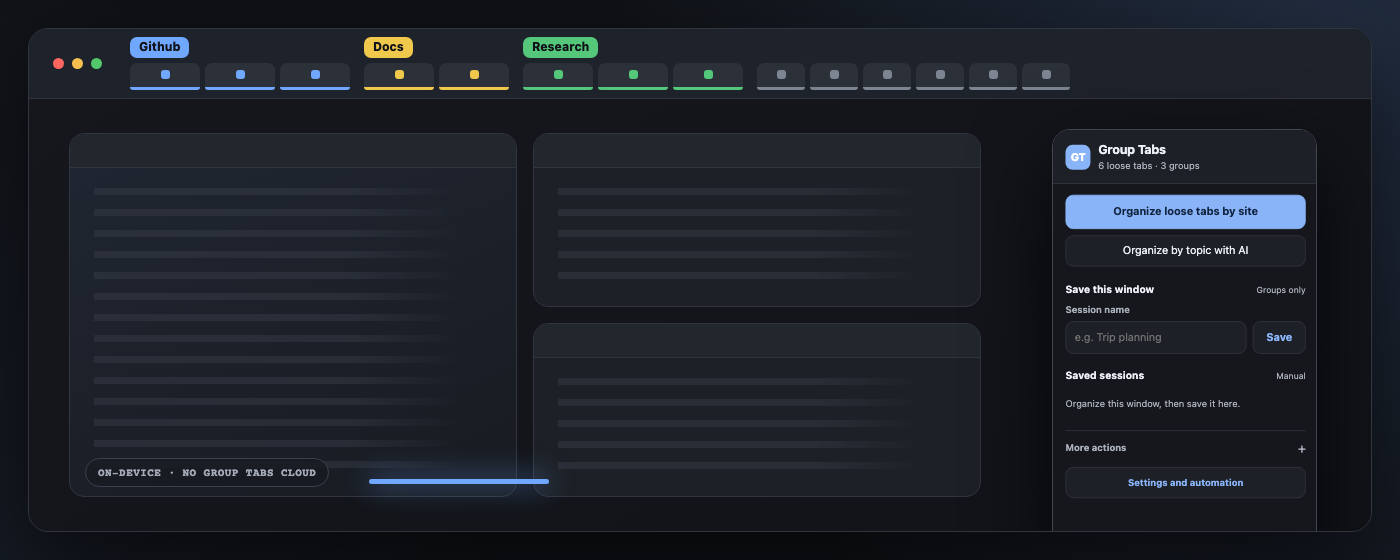
The current Group Tabs popup beside site-grouped browser tabs
No Group Tabs cloudOrganization runs inside the browser
Manual groups stay yoursPinned tabs and existing groups are untouched
Observable automationSee exactly what the last idle run changed
01 · Organize

Bring order without rearranging your work.

Group loose, unpinned tabs by matching site. Existing groups stay intact, and single-site tabs remain loose instead of creating one-tab clutter.

  • One click or Ctrl+Shift+G
  • Optional grouping for newly opened tabs
  • Idle sweeps report grouped and skipped tabs
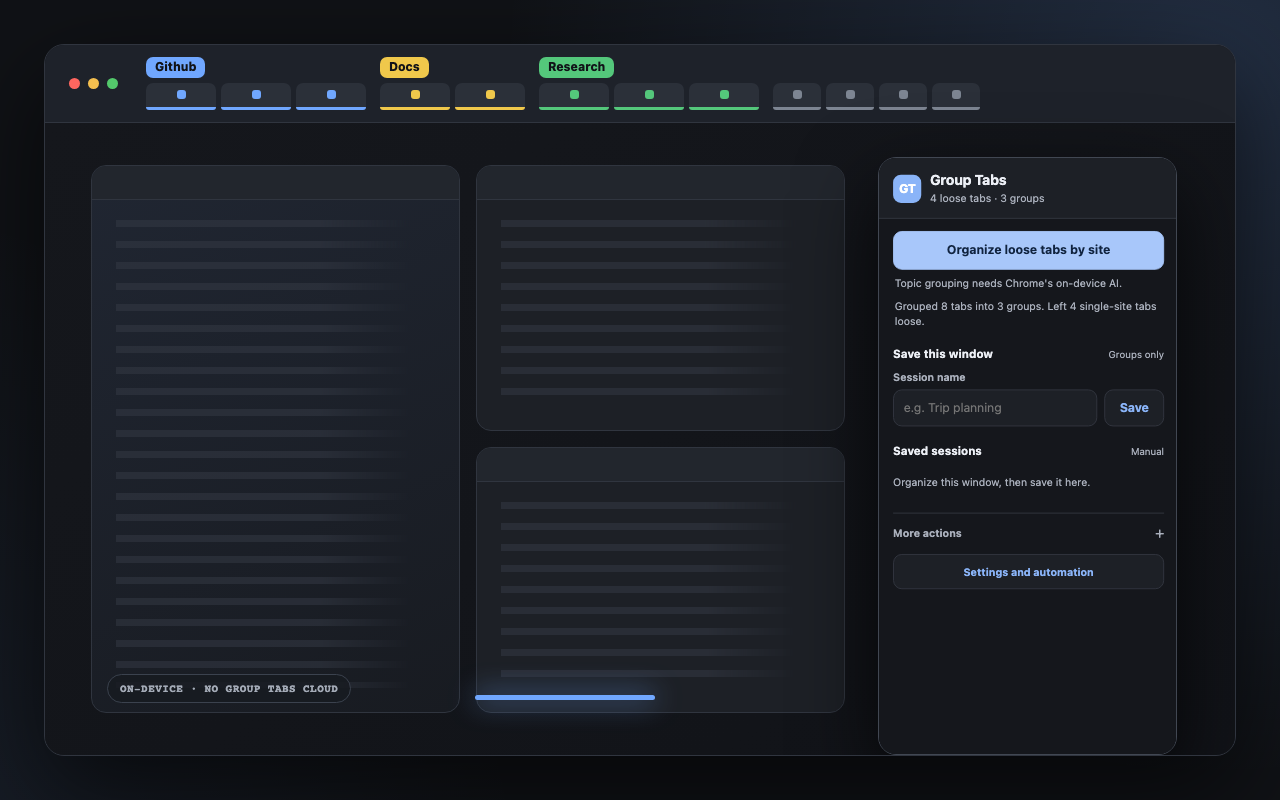
The current Group Tabs popup reporting a completed site-grouping run
02 · Refine

Turn site names into useful topics.

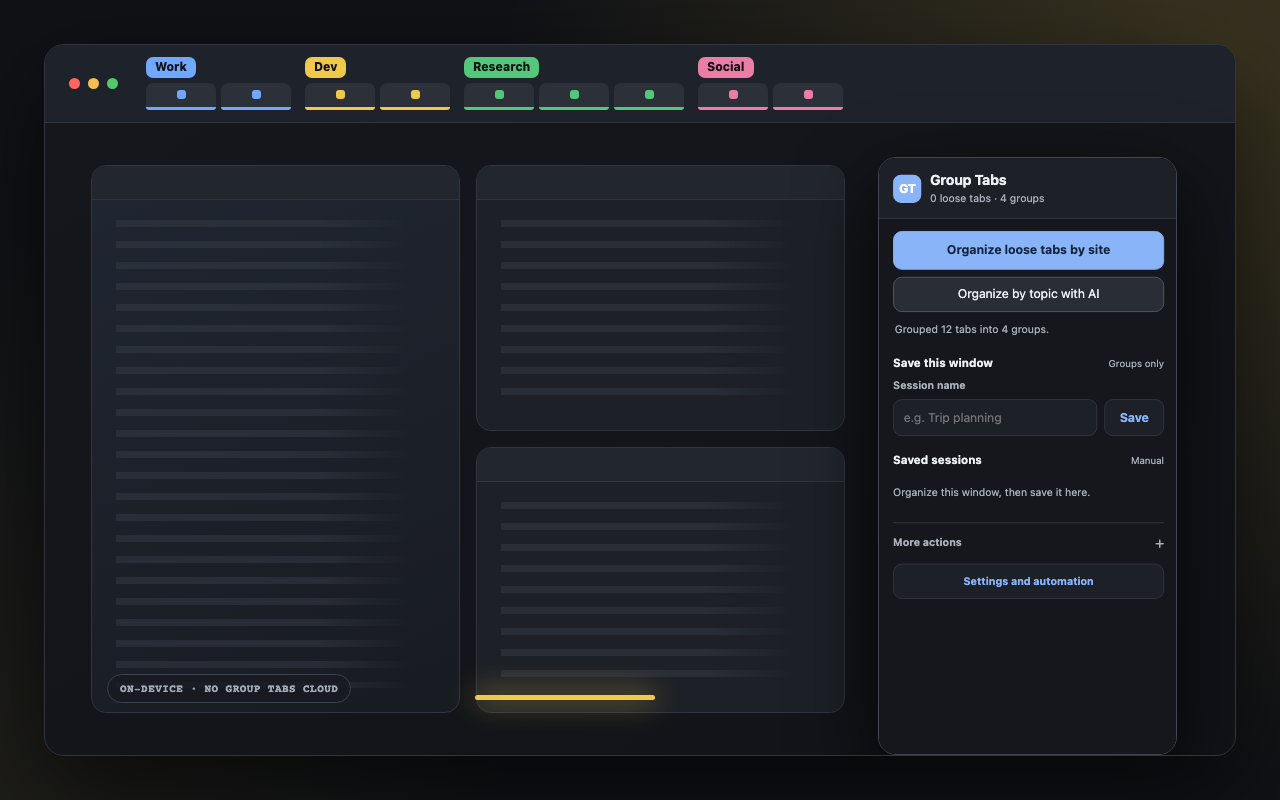
When Chrome's built-in Prompt API is available, Group Tabs can classify eligible tabs into categories such as Work, Development, or Research. Processing stays on-device; there is no cloud fallback.

  • Topic names are customizable
  • Manual groups and pinned tabs stay untouched
  • Site grouping remains available without AI
The current Group Tabs popup after organizing twelve tabs into four topics
03 · Recover

Reopen the missing parts of a session.

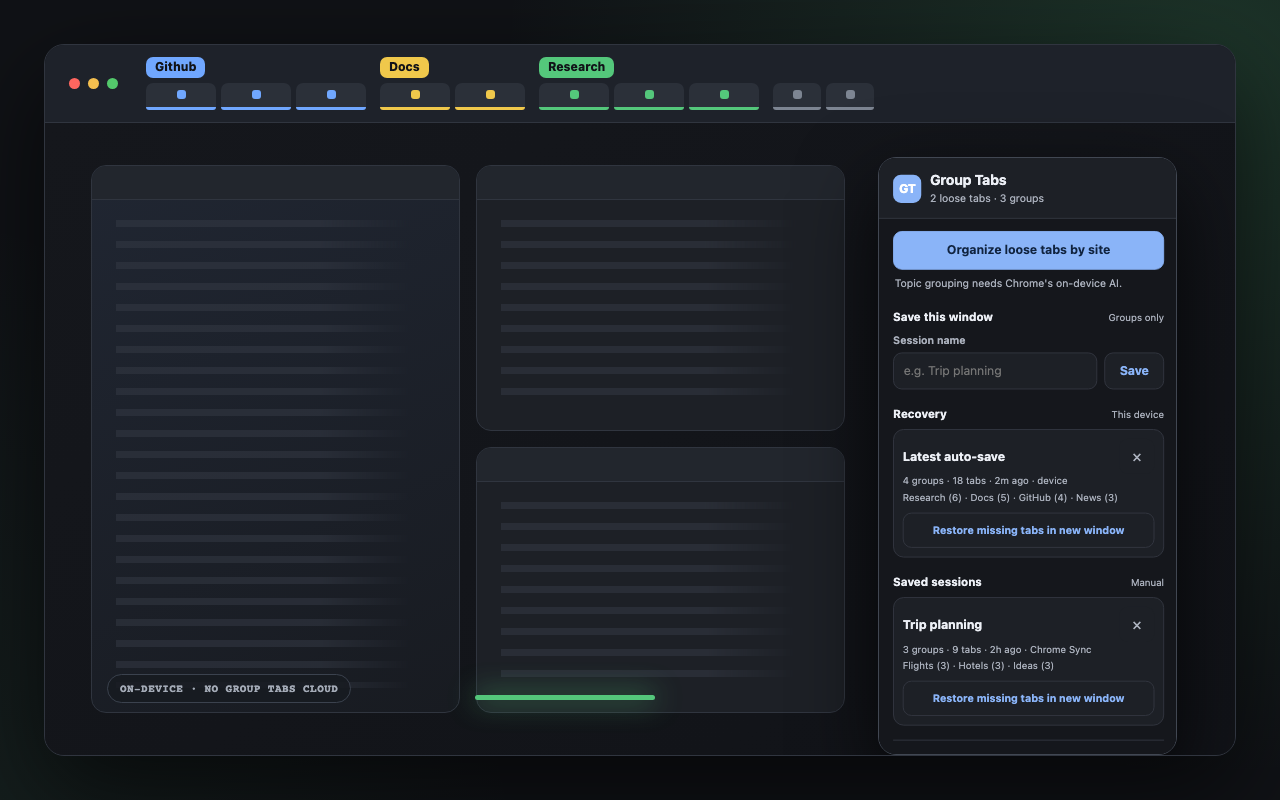
Save a grouped window under a name. Restore later into a new window; URLs already open elsewhere are skipped and the result reports exactly what came back.

  • Small manual sessions may use Chrome Sync
  • Large sessions stay on this device
  • Automatic recovery keeps three local snapshots
The current Group Tabs popup showing local recovery and a saved session

Private by architecture

No analytics. No account. No developer-operated backend.

Group Tabs makes no remote API calls. Chrome Sync may carry small manual sessions through your browser account; automatic recovery stays local. Read the full storage contract.

Give every open tab a place—or leave it alone.

Install from the Chrome Web Store, or inspect every line on GitHub.